Table of Contents
- 1 AI for Court Documents: 5 Ways to Make Them Court-Ready
- 1.1 Why AI Can Help in Court Cases
- 1.2 AI and Local Court Rules: The First Filter
- 1.3 Fact-Checking AI Output Before You File
- 1.4 How to Make AI Drafts Easier for a Judge to Read
- 1.5 Common AI Mistakes in Court Documents
- 1.6 Where Legal Coaching Fits In
- 1.7 FAQ About AI and Court Documents
- 1.8 Final Thoughts on AI for Court Documents
- 1.9 Need a Better Process Than Guesswork?
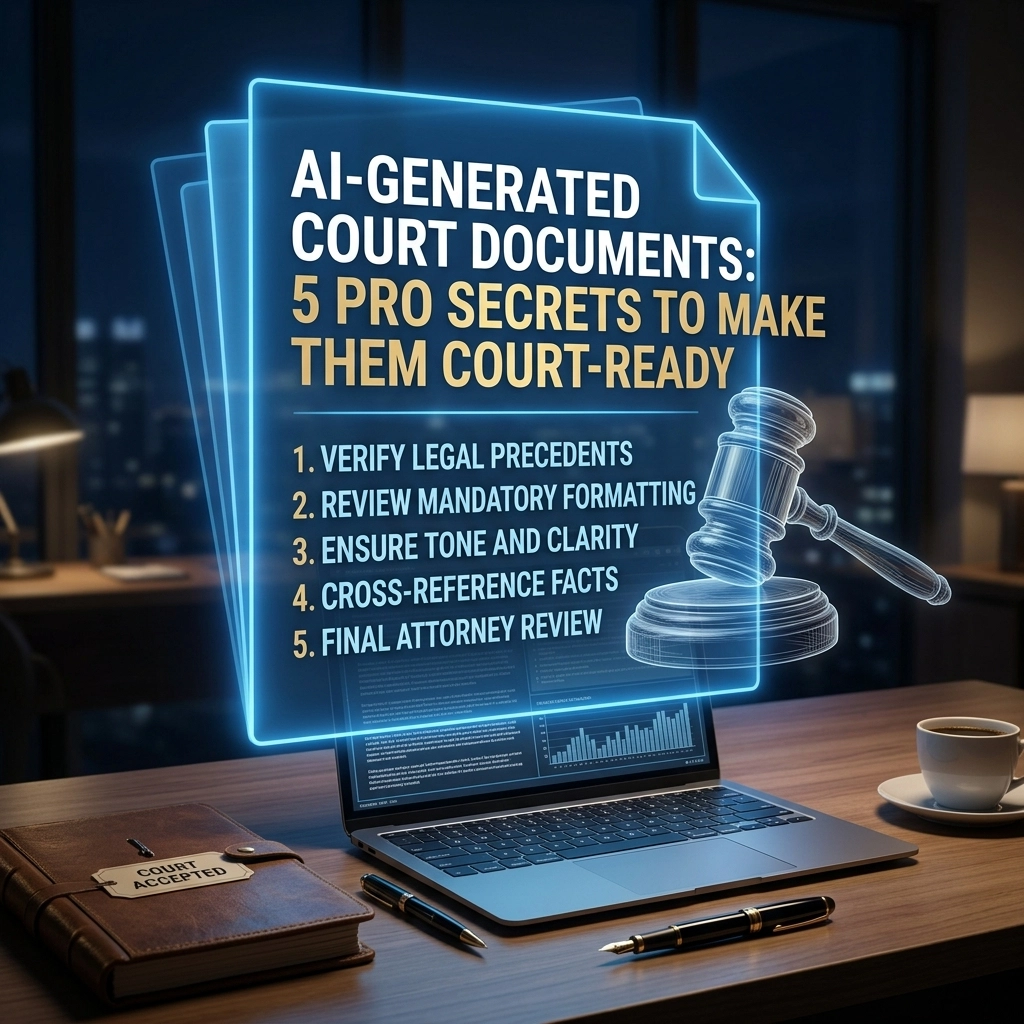
AI for Court Documents: 5 Ways to Make Them Court-Ready
AI can help you draft court paperwork faster, but speed is not the same as accuracy. If you are representing yourself, the real issue is whether an AI draft follows court rules, uses verified facts, and reads clearly enough for a judge to understand the point quickly.
Legal Compliance Disclaimer
This content is for educational and informational purposes only. It is not legal advice, does not create an attorney-client relationship, and is not a substitute for advice from a licensed attorney. Laws and procedures vary by jurisdiction, and you should review the rules applicable to your court and circumstances.
Why AI Can Help in Court Cases
In general, AI is useful for organizing ideas, creating a first draft, and turning rough notes into a more readable document. That matters when you are overwhelmed, under a deadline, or trying to understand what a motion, response, or affidavit is supposed to look like.
But there is a catch. Courts care about procedure, accuracy, and admissibility. If the format is wrong, the facts are wrong, or the legal authority is made up, the draft can create more problems than it solves.
Coach’s Tip: Treat AI like a drafting assistant, not a decision-maker. If the tool gives you a starting point, then your job is to review, verify, and refine.
AI and Local Court Rules: The First Filter
This is where many self-represented litigants get tripped up. A document can sound polished and still be rejected because it does not follow local rules, filing requirements, or judge-specific preferences.
What AI often misses
- Font, spacing, and margin rules
- Caption format and case number placement
- Certificate of service language
- Signature blocks and contact information
- Exhibit labels and page limits
✔ Do: Compare the draft against your court's current rules and forms.
❌ Don’t: Assume AI knows your county, division, or judge-specific requirements.
For more help with procedure, review our court filing checklist and self-represented litigant resources.
Fact-Checking AI Output Before You File
One of the biggest risks with AI is the appearance of confidence. A sentence can sound professional while still being wrong. Dates, names, statutes, and case citations all need to be checked manually.
Example
If AI inserts a case citation that looks real but cannot be found in an official source, then the problem is not minor. It can undermine the entire filing. In general, if a citation cannot be verified, it should not be used.
Warning: Many courts expect the filer, whether represented or pro se, to stand behind every statement in the document. If AI invents authority and you file it, the responsibility is still yours.
Authority sources such as the United States Courts website and the Legal Information Institute can help with general legal research and terminology.
How to Make AI Drafts Easier for a Judge to Read
Judges and court staff read fast. They scan for the issue, the facts, the legal basis, and the requested relief. If your AI draft is repetitive or vague, clarity drops and persuasion drops with it.
A stronger structure often includes
- A clear caption and title
- Short paragraphs with one point each
- Headings that explain the argument
- Bullet points for timelines, evidence, or requests
- Bold key terms so the judge can spot the issue quickly
Simple drafting script
A useful general pattern is: state the issue, state the rule, state the facts, state the relief requested. If the draft does not answer those four points clearly, then it is not ready yet.
You can also explore our document template library for examples of cleaner structure.
Common AI Mistakes in Court Documents
Here is the bottom line: AI saves time on drafting, but it also creates recurring errors. Spotting them early can protect your filing from avoidable damage.
- ❌ Fake citations: invented cases, statutes, or quotations
- ❌ Generic facts: language that does not match your actual timeline
- ❌ Wrong standard: mixing up the burden for a motion, objection, or response
- ❌ Bad formatting: missing headings, exhibits, or required sections
- ❌ Overstated claims: dramatic language with no evidentiary support
What works better
- ✔ Verified facts pulled from your records
- ✔ Current rules from your actual court
- ✔ Specific dates and events instead of vague summaries
- ✔ Plain-language arguments supported by real authority
- ✔ A final proofread for tone, accuracy, and completeness
Where Legal Coaching Fits In
Many people do not need someone to type for them. They need structure. They need to know what the court is looking for, what the filing must contain, and where AI tends to go off track.
That is where legal coaching can help in a general educational sense. A coach can help you understand workflow, document organization, hearing preparation, and common procedural errors without replacing licensed legal advice.
If you want more support, our legal coaching overview explains how guided self-help can make the process less confusing.
FAQ About AI and Court Documents
Is AI allowed for drafting court documents?
In general, AI can be used as a drafting tool. The filer remains responsible for accuracy, compliance, and the final content submitted to the court.
Can AI find the right form for every court?
Not reliably. Many courts use specific local forms and procedural instructions, and those can vary widely by jurisdiction.
What is the biggest risk of using AI in a legal filing?
The biggest risk is false confidence. A document may sound polished while containing inaccurate facts, fake citations, or the wrong legal standard.
Should AI replace legal research?
No. In general, AI can support early drafting, but legal research still needs to be verified through reliable and current authority sources.
Final Thoughts on AI for Court Documents
AI can be a useful starting point, but it is not a shortcut around court rules, fact-checking, or careful drafting. If the goal is a filing that is clear, credible, and organized, then AI works best when paired with human review and a strong process.
Ready to move from confusion to structure? Explore educational tools, templates, and guided support so you can build a stronger filing process with more confidence.
Need a Better Process Than Guesswork?
Get practical education, document support, and step-by-step guidance designed for self-represented litigants.
Explore Pro Se Legal Coaching